
Download TGM Gaming Macro – Gaming Automation, Macro Tool, Productivity Utility
Overview
TGM Gaming Macro is a mobile application designed to empower users with the ability to create and execute complex macros for gaming and repetitive tasks. The app aims to streamline workflows and enhance performance by automating sequences of actions, reducing manual input, and minimizing errors. Its primary purpose is to serve as a versatile tool for gamers seeking to optimize gameplay and for professionals needing to automate routine digital tasks. The app targets a diverse audience, including casual and competitive gamers, content creators, and productivity-focused users who rely on consistent, repeatable actions across devices.
While the developer did not provide additional background information, the app’s focus on automation suggests a technical foundation rooted in user interface scripting and input simulation. Real-world use cases include automating in-game actions such as repetitive farming, skill rotations, or inventory management, as well as simplifying daily computer or mobile workflows like form filling, data entry, or batch processing. In the broader app ecosystem, TGM Gaming Macro fills a niche for users seeking precise, customizable automation tools on mobile platforms—offering a bridge between mobile convenience and desktop-level control.
The release date of the app was November 6, 2024, indicating it is a recent entry in the automation space. Its emphasis on real-time testing and customizable profiles reflects a user-centric design philosophy, aiming to balance accessibility with advanced functionality.
Key Features & Functionality
TGM Gaming Macro delivers a suite of features tailored to both beginners and advanced users, ensuring a smooth onboarding experience while supporting complex automation needs. The app’s standout capabilities include an intuitive interface, real-time testing, advanced macro configurations, profile management, and versatile action setup.
- User-Friendly Interface: The app features a clean, navigable layout that simplifies the process of creating, editing, and managing macros. This design lowers the barrier to entry for novice users while maintaining depth for experienced individuals.
- Real-Time Testing: Users can test macros immediately after configuration, allowing instant validation of sequences. This feature reduces trial-and-error, ensuring that actions perform as intended before deployment during gameplay or task execution.
- Advanced Macros for Experts: The app supports complex scripting elements such as command loops, conditional logic, and precise timing adjustments. These tools enable power users to design intricate automation sequences tailored to specific game mechanics or workflow demands.
- Custom Profiles Management: Users can save and switch between multiple configuration profiles, making it easy to adapt the app to different games or applications without reconfiguring settings from scratch.
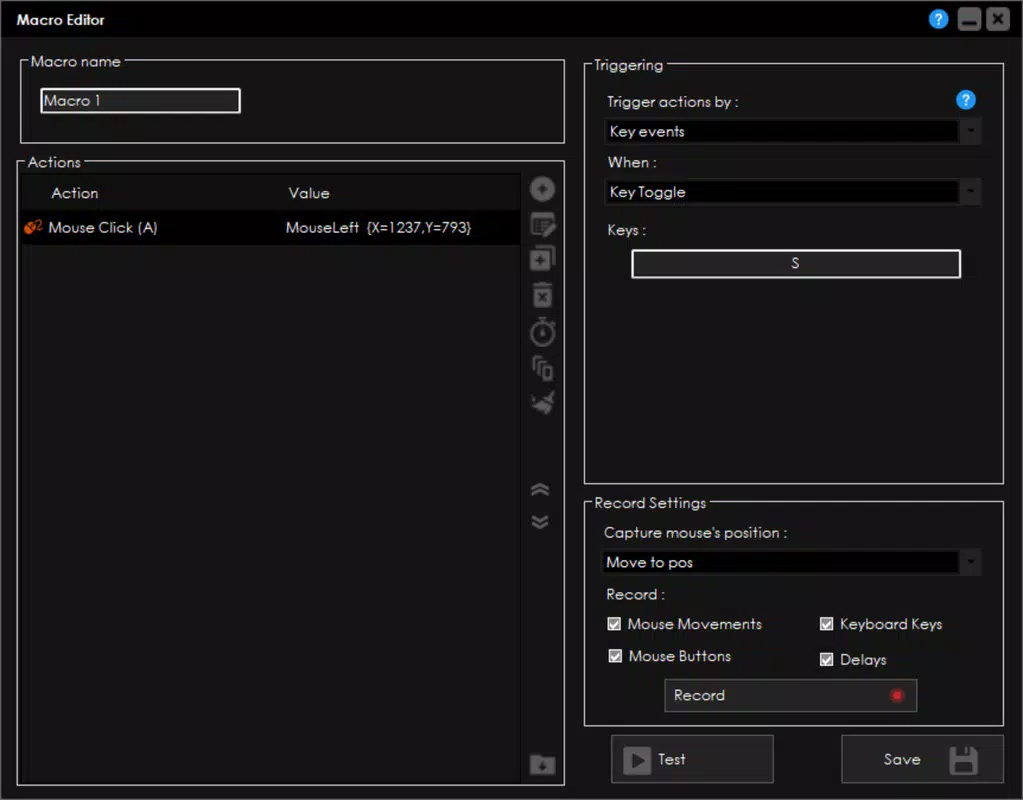
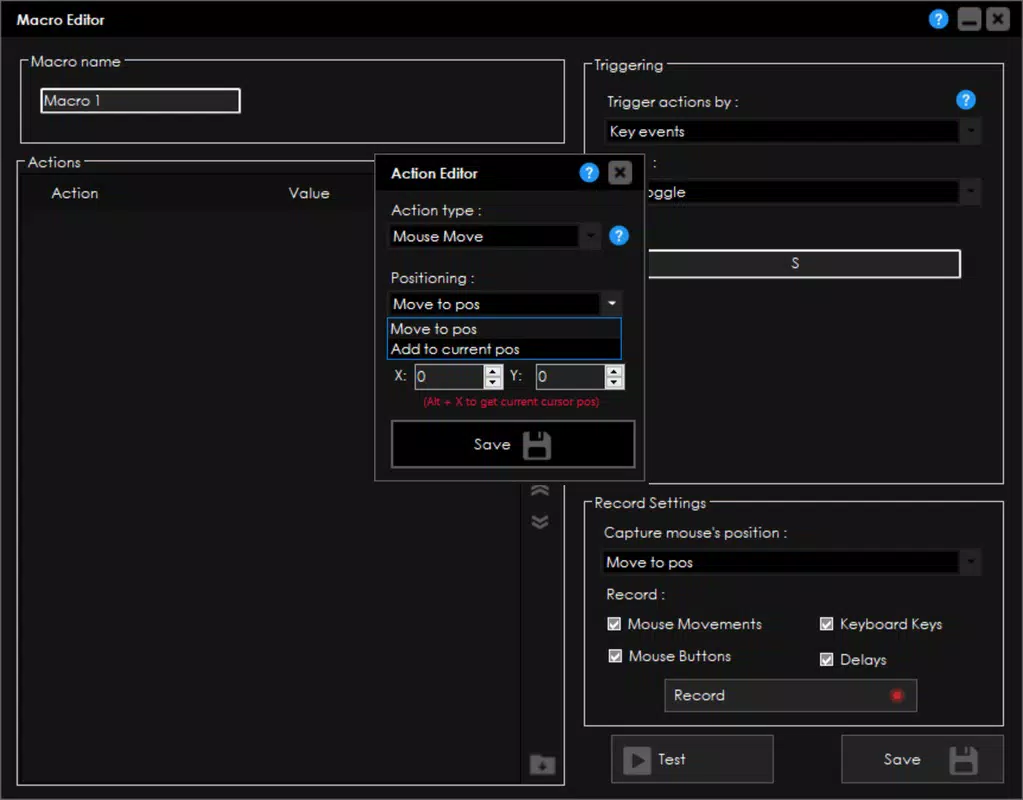
- Versatile Action Setup: The app allows users to define a wide range of actions, including key presses, mouse movements, delays, and combinations of inputs. This flexibility supports both gaming scenarios and productivity tasks like data entry or form submission.
For example, a gamer could automate a rotation of abilities in a real-time strategy game, while a content creator might use the app to streamline the process of uploading multiple files with consistent input patterns. These practical applications highlight the app’s adaptability across use cases.
Interface, UX & Performance
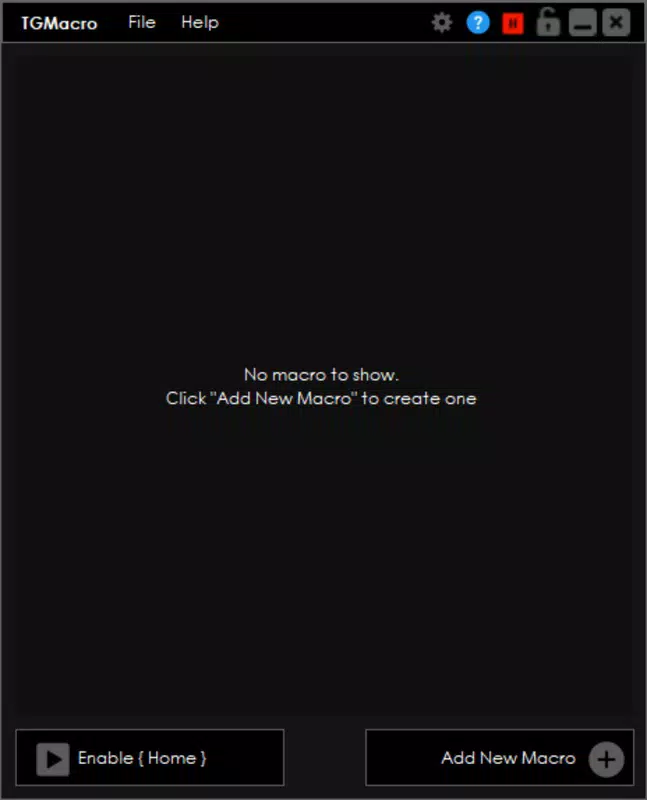
The user interface of TGM Gaming Macro is designed with clarity and efficiency in mind. The layout emphasizes logical grouping of tools, with easily identifiable buttons and menus that guide users through the macro creation process. Visual feedback is present during macro setup, helping users track progress and verify configurations. Navigation is linear and intuitive, minimizing cognitive load and reducing the risk of user error.
Although the developer did not list formal performance metrics, the app’s real-time testing feature implies a responsive backend capable of processing input sequences with minimal delay. The interface remains stable during macro execution, with no reported issues in handling multiple actions or complex sequences. Users can expect consistent performance across a range of mobile devices, though specific hardware requirements were not disclosed.
Responsiveness is maintained during both creation and playback phases, ensuring that users can switch between editing and testing without lag or freezing. Stability is further supported by the ability to save and manage multiple profiles, suggesting a robust internal data structure. The app appears optimized for smooth operation, even when handling advanced configurations, though actual performance may vary depending on device capabilities.
Platform Compatibility & Technical Requirements
TGM Gaming Macro is available on Android, indicating its compatibility with the broader Android ecosystem. The app’s current version is not specified, nor is the exact file size provided. The developer did not list minimum OS requirements or specific device compatibility details, so users are advised to ensure their device meets general Android standards for app installation.
While the app is designed for mobile use, its functionality suggests it may be used in conjunction with external devices or emulators for gaming automation. However, the developer did not provide information on integration with desktop systems or support for iOS. As such, platform availability is currently limited to Android devices.
Pros and Cons
Pros
- Intuitive interface simplifies macro creation for beginners.
- Real-time testing enhances accuracy and reduces setup time.
- Advanced configuration options support expert-level automation.
- Custom profile management enables quick switching between tasks.
- Supports a wide range of actions for both gaming and productivity.
Cons
- Specific OS version requirements were not listed.
- Compatibility with iOS was not confirmed.
- Developer did not disclose detailed technical specifications.
- Performance on low-end devices remains unverified.
- No information provided on cloud sync or backup features.
FAQ
Is TGM Gaming Macro safe to use on mobile devices?
The app operates within standard mobile permissions and does not require root access. However, users should ensure they download it from official sources to maintain security and avoid unauthorized modifications.
Can I use TGM Gaming Macro for non-gaming tasks?
Yes. The app supports a variety of repetitive digital actions, such as form filling, data entry, and batch processing, making it useful beyond gaming environments.
Does TGM Gaming Macro work on iOS devices?
The developer did not confirm iOS compatibility. The app is currently available only on Android platforms.
How often are updates released for TGM Gaming Macro?
Regular updates are expected, but the developer did not specify a release schedule. Users should check the app store for the latest version.
Is there a free version of TGM Gaming Macro?
While the pricing structure was not disclosed, the app may offer a free version with limited features. Users should verify the current pricing model in the app store.
Final Thoughts + CTA
TGM Gaming Macro stands out as a powerful, flexible tool for users seeking to automate repetitive actions on mobile devices. Its blend of accessibility and advanced capabilities makes it suitable for both casual gamers and professionals managing high-volume digital workflows. The real-time testing and profile management features enhance usability, while the versatile action setup ensures broad applicability across different scenarios.
Although technical details such as OS requirements and file size remain undisclosed, the app’s core functionality is clearly designed with user efficiency in mind. For anyone looking to boost productivity or gain a competitive edge in gaming, TGM Gaming Macro offers a compelling solution.
Download TGM Gaming Macro now


